 Orbit for Canvas
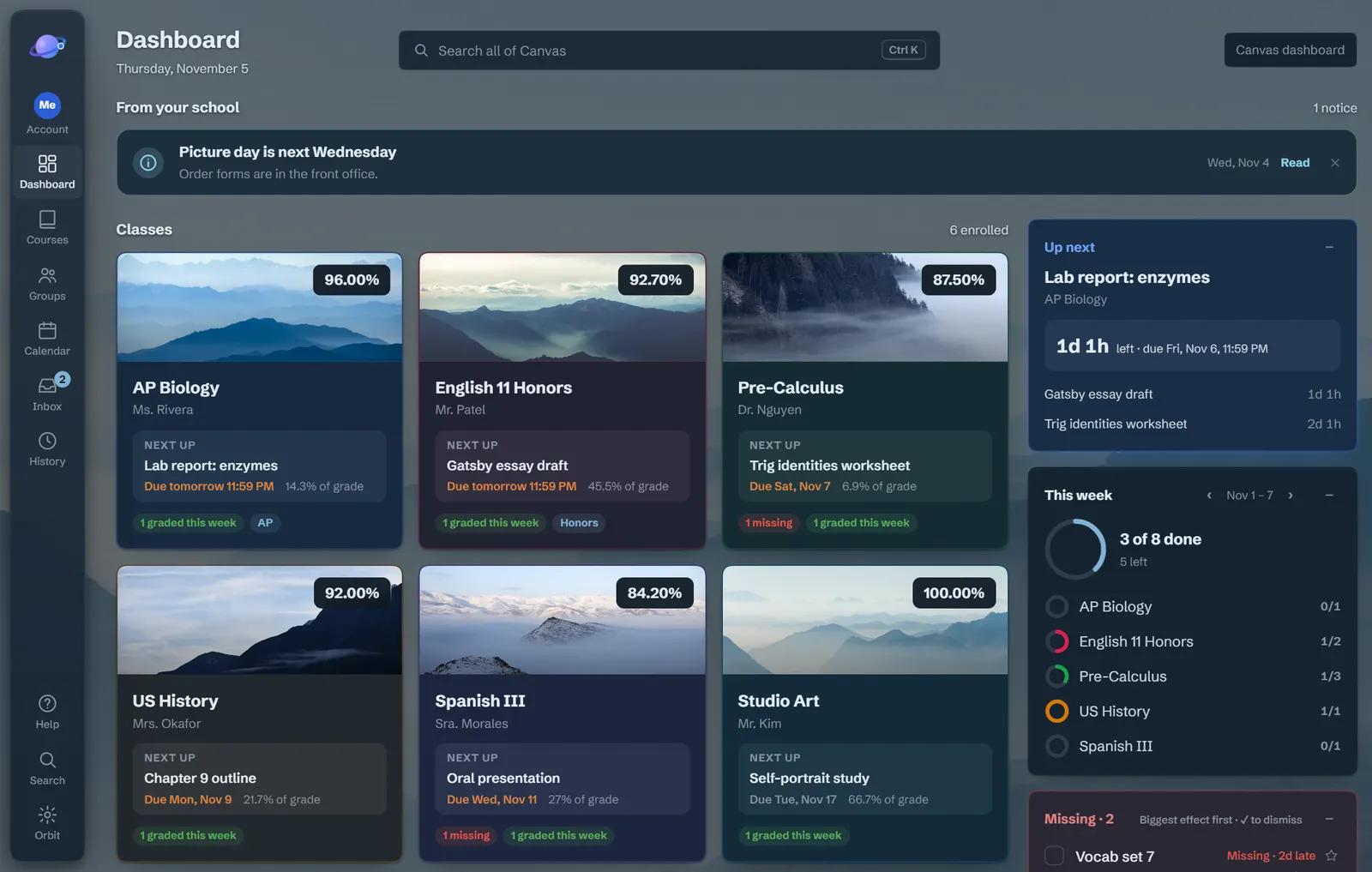
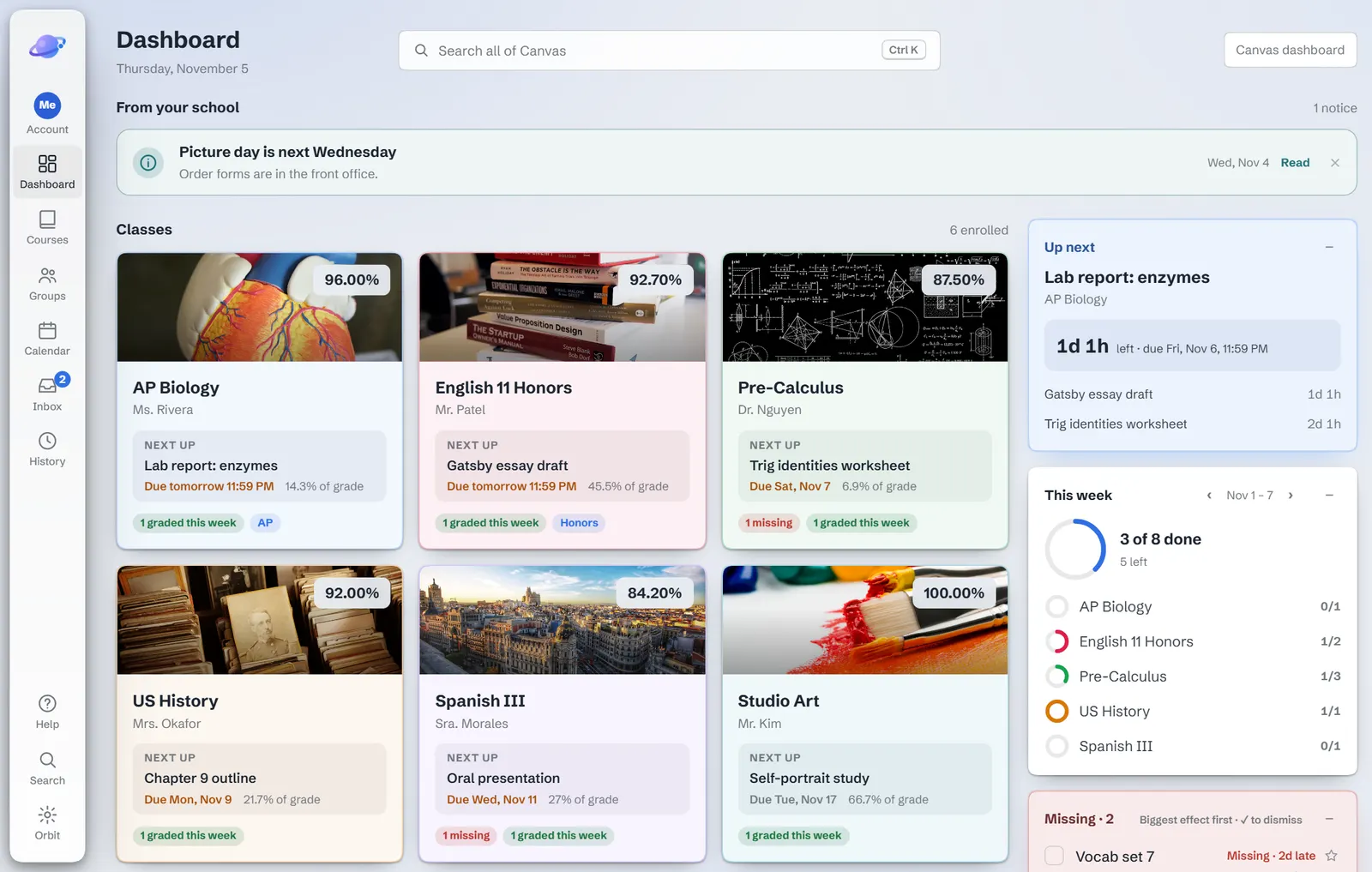
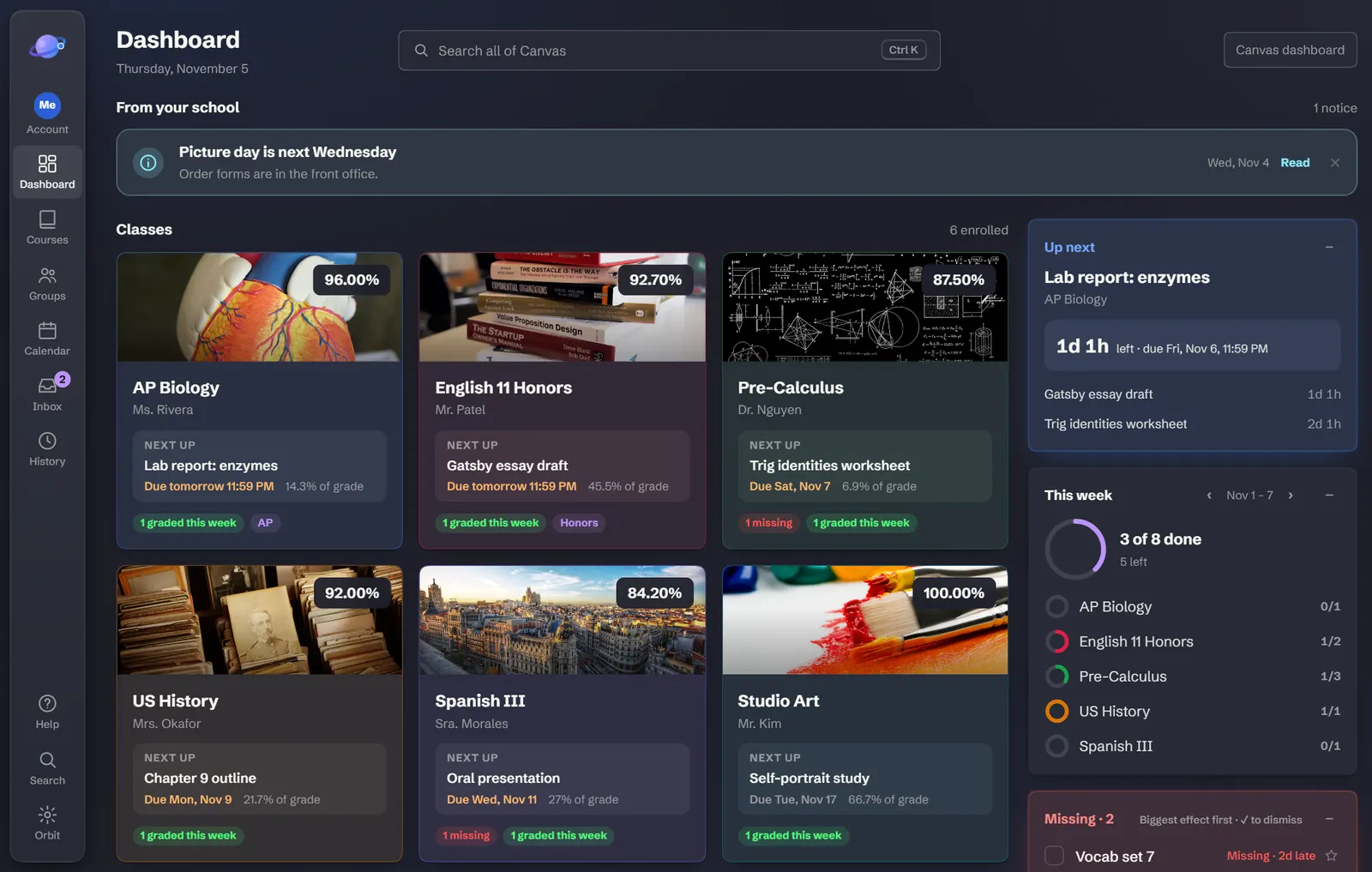
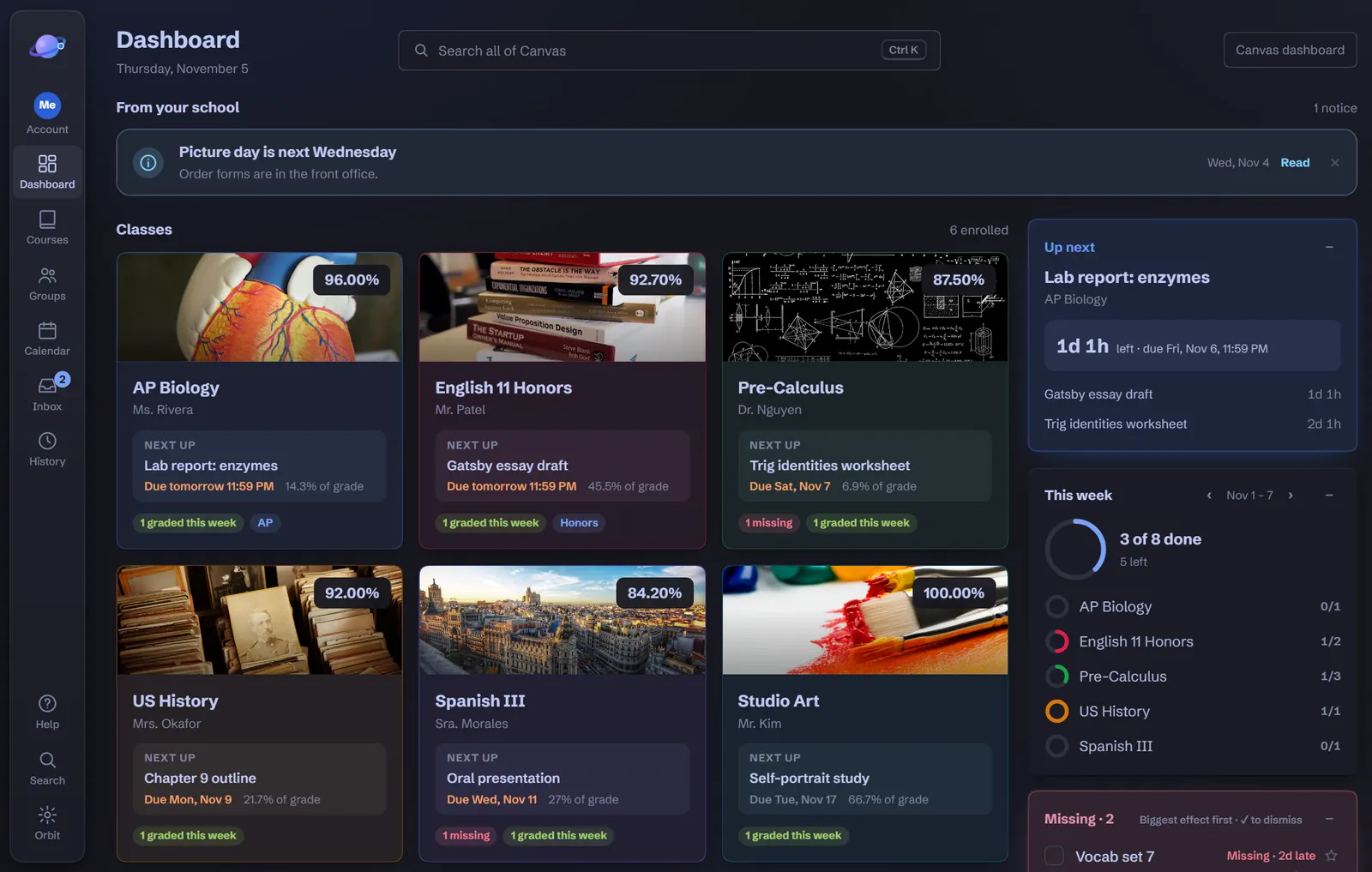
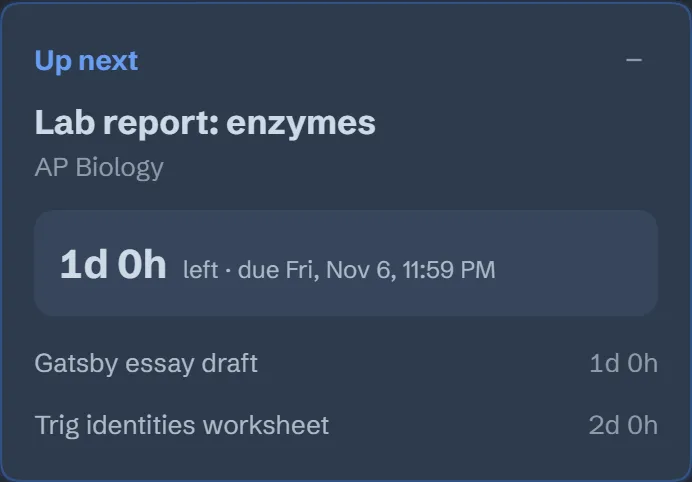
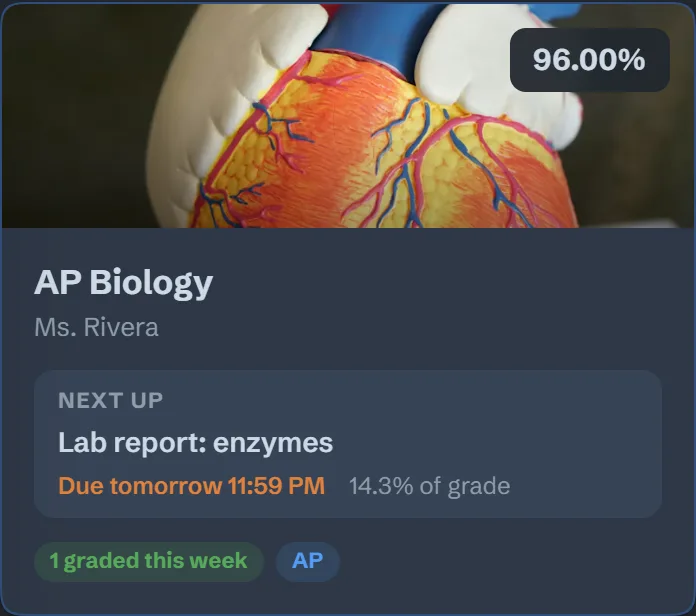
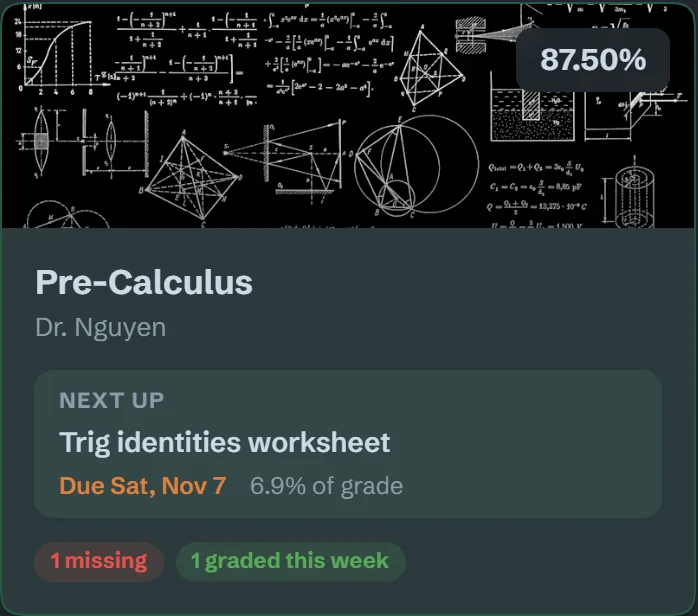
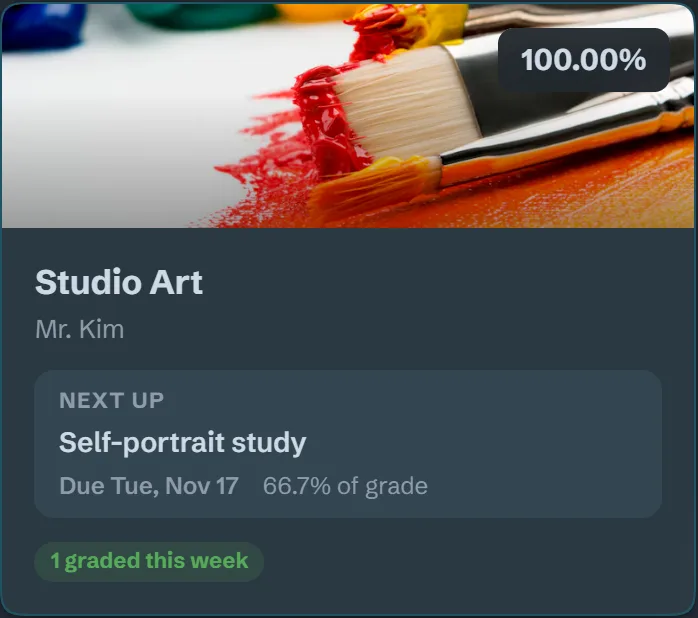
Up next, counting down
Your next assignment, how long is left, and how much it’s worth.
Free Chrome extension for Canvas
Orbit puts your grades, what’s due next and what’s missing on the first screen of Canvas. It changes how Canvas looks, never how it works.
No account. Works on any school’s Canvas at *.instructure.com.
Make it yours
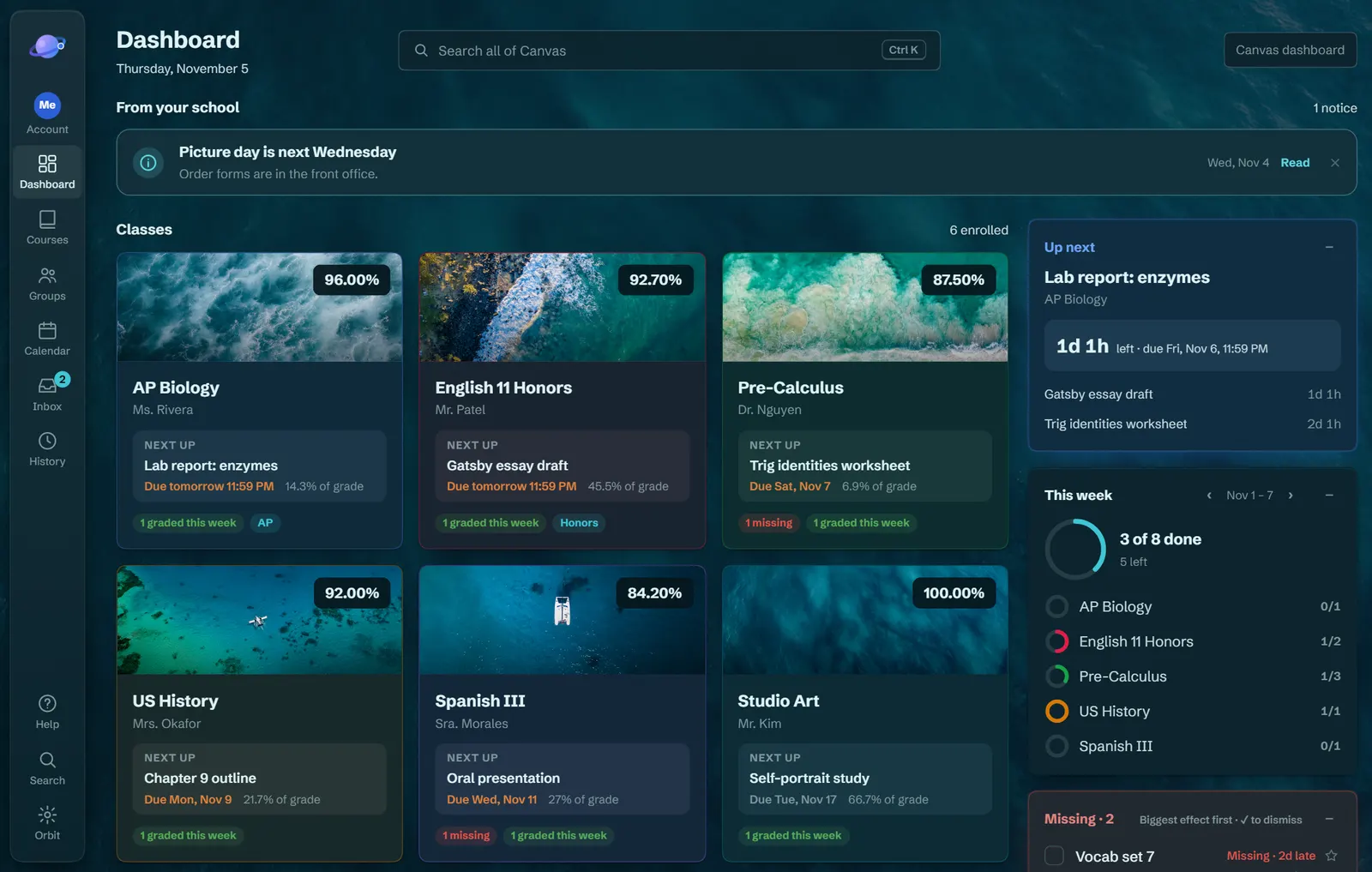
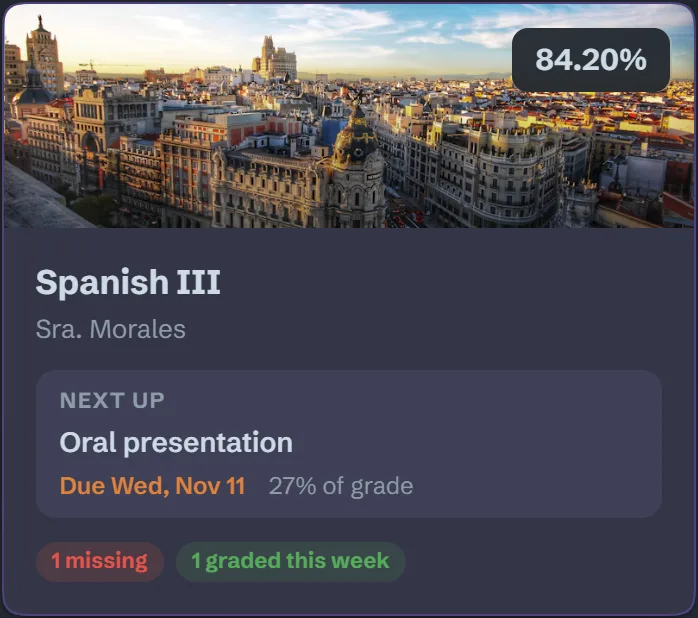
Dark, light and photo themes with matching class pictures. Switch day and night automatically, rename your classes, pick your own colors.
On the first screen
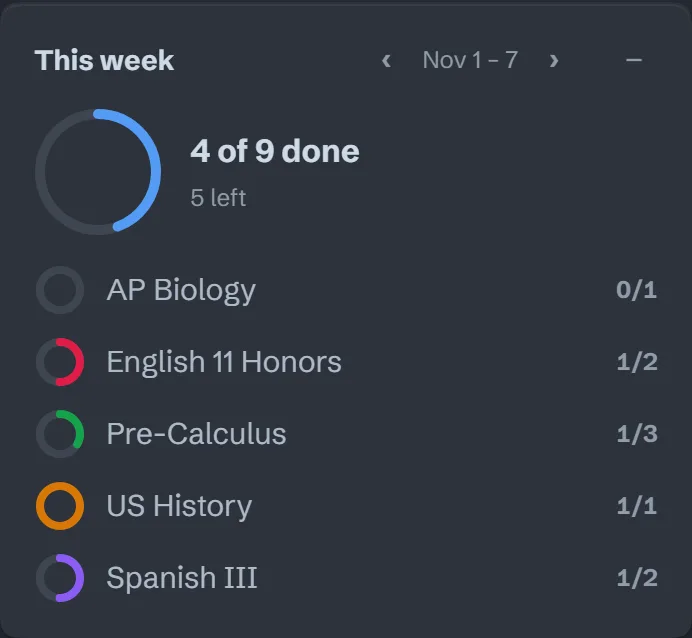
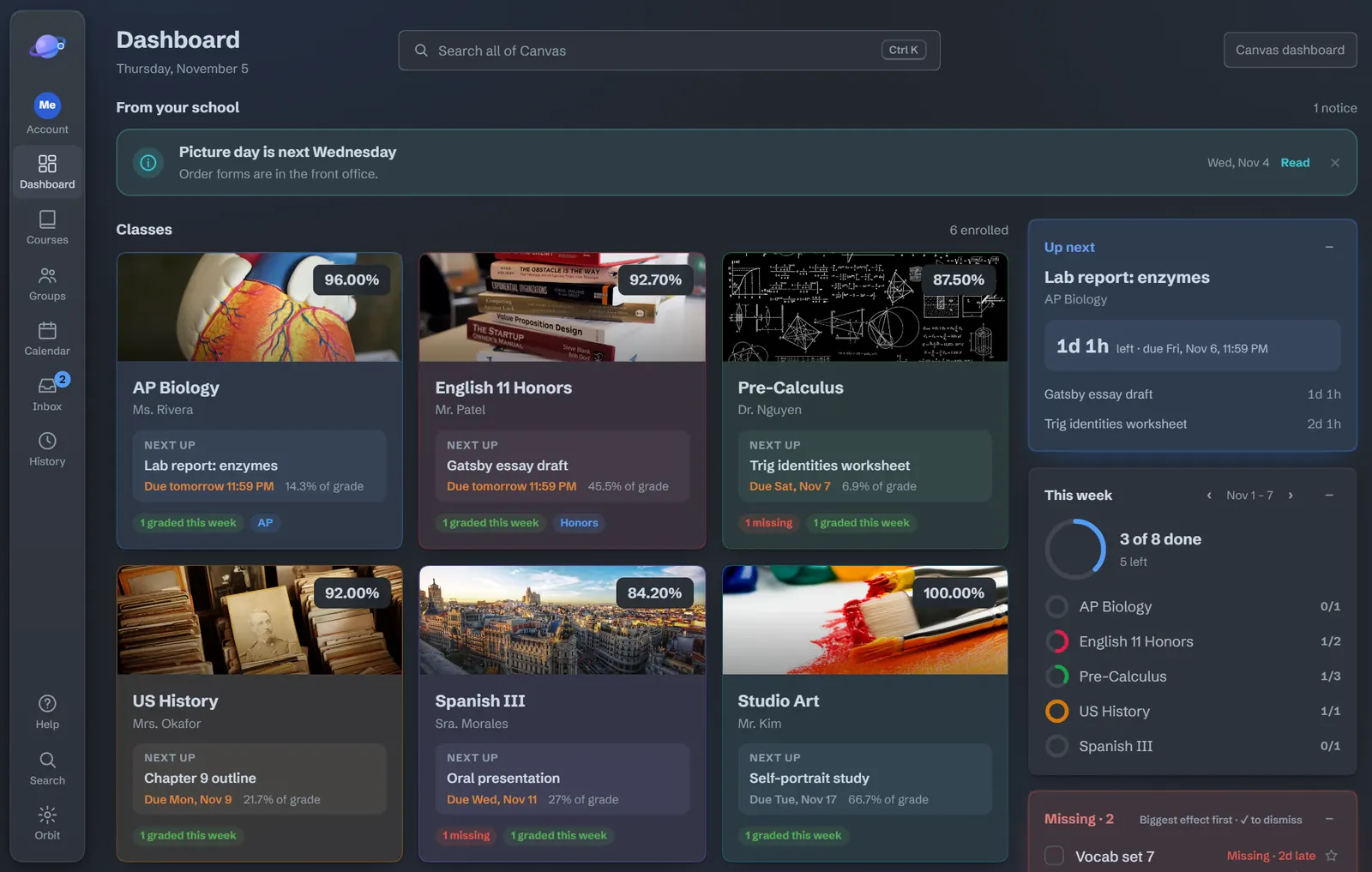
Canvas has everything, spread across a lot of pages. Orbit brings the answers to the front: what’s due, how you’re doing, what to do next.
Your next assignment, how long is left, and how much it’s worth.
8 of 9 done
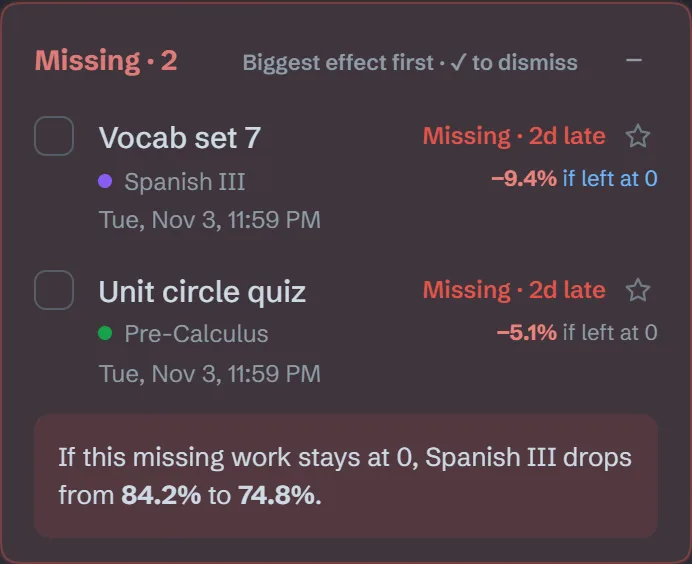
−5.1%
to your grade if left at 0, biggest effect first.
A report card with your GPA and weighted GPA, the lowest score that keeps your letter, and a final exam calculator.

Classes, assignments, pages and files. Shortcuts you can change, and Alt+Shift+O turns Orbit off in a second.
Private by design
Orbit reads Canvas with the account you’re already signed into, and shows it to you. That’s it.
Orbit reads your grades from your school’s Canvas so it can show them to you, using the account you’re already signed into. They stay on your computer. Orbit has no servers of its own and never sends your data to the developer or anyone else. It never sees your password.
Read the full privacy policy.
Yes, if your school’s Canvas address ends in instructure.com, like yourschool.instructure.com. Orbit works on any school’s Canvas at that address. It doesn’t run on other addresses.
Orbit works in Chrome on computers and Chromebooks. On a Chromebook your school manages, IT decides which extensions are allowed. If the Chrome Web Store shows a Request button instead of Add to Chrome, click it to ask your school. IT staff can find everything they need on the page for schools.
Press Alt+Shift+O, or use the switch in Orbit’s toolbar popup, to see plain Canvas again in a second. Every link and button stays where Canvas put it either way.
To remove Orbit, right-click its icon in Chrome’s toolbar and choose Remove from Chrome. Removing it deletes everything it stored.
Free, no account, and off in a second with Alt+Shift+O.